Official Distributor in Greece

Emulator Software Licences
emulator

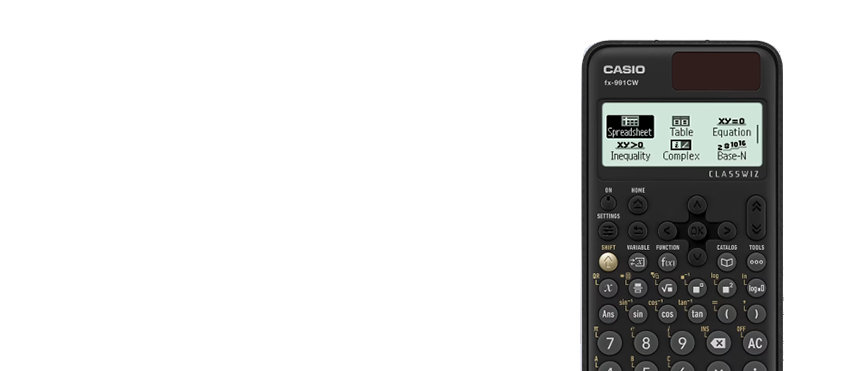
ClassWiz+ Scientific

FX-991CW, FX-350CW, FX-85CW

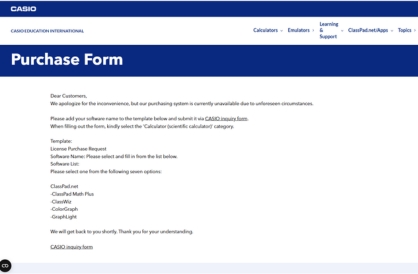
Get a Licence
emulator

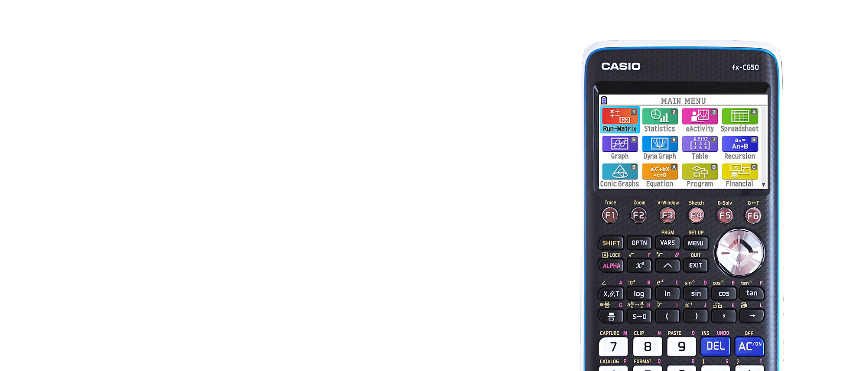
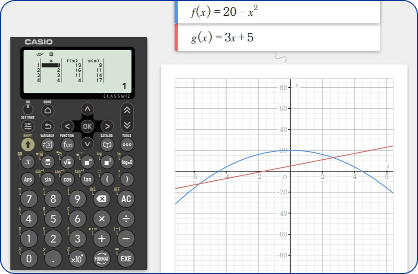
Colour Graphic

FX-CG50 Graphic Calculator

Get a Licence

How to register for a new ClassPad emulator.

Step-by-step
1. Get Started on the Platform
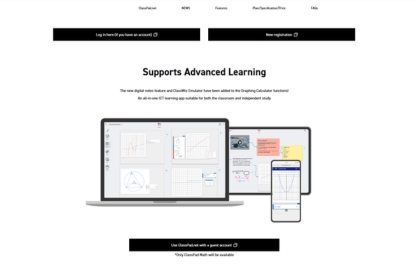
Go to https://classpad.net/intl/.
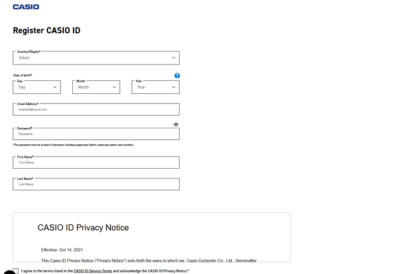
2. Create or Log in to Your Account
Select “New Registration” to create a new account or select “Log in here” if you already have an account
3. Access the ClassPad.net Environment
After successfully registering or logging in, you will be automatically redirected to ClassPad.net
4. Choose your code
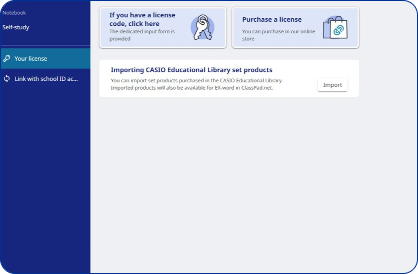
From the main menu, select “Your License” to proceed with obtaining a license.
5. Purchase Your Activation Code
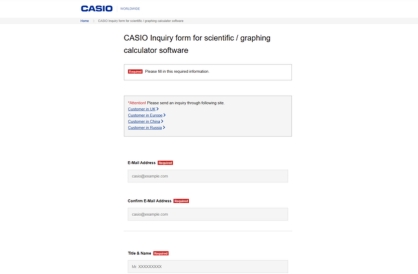
Click on “Purchase a License” and fill in the required details to obtain your activation code. Please enter your 9 digit license code as provided in your confirmation email.
6. Receive Your Code via Email
Your activation code will be sent to your email address. If you don’t see it, please check your spam/junk folder.
7. Activate and Start Using
Please enter your 9 digit license code as provided in your confirmation email.
8. Here is the ClassPad
For Graphing Calculators: FX-CG50 For Scientific Calculators (CW Series): FX-991CW, FX-82/85/350 CW For Scientific Calculators (ES PLUS 2nd Edition): FX-991/570 ES PLUS 2nd Edition, FX-82/85/350 ES PLUS 2nd Edition
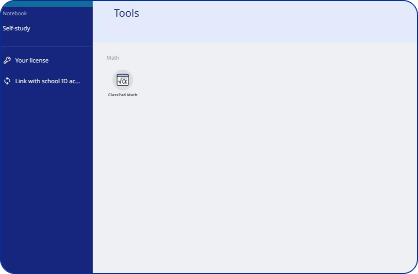
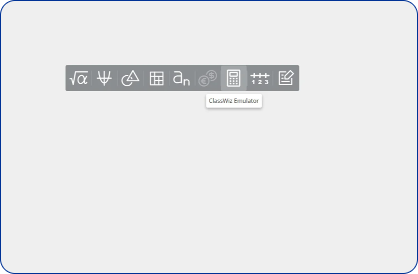
9. Access the emulator
Click anywhere and then click the calculator icon to access the emulator
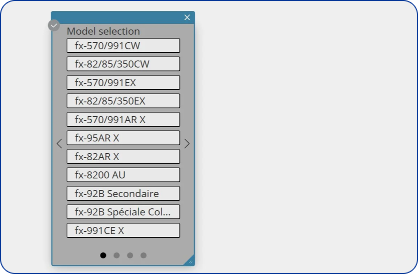
10. Choose your model
For Graphing Calculators: FX-CG50 For Scientific Calculators (CW Series): FX-991CW, FX-82/85/350 CW For Scientific Calculators (ES PLUS 2nd Edition): FX-991/570 ES PLUS 2nd Edition, FX-82/85/350 ES PLUS 2nd Edition
11. Use your emulator and ClassPad
There’s much more to explore about ClassPad, but for now you can start experimenting with the emulator.

The CASIO Emulator — Your calculator on your screen

The CASIO Emulator is the official simulation software. Specifically, it brings your calculator to your computer, tablet or mobile screen. As a result, you see the exact same display and keys as your physical calculator. At the same time, you gain the power and convenience of a digital application.

With the CASIO Emulator you can perform calculations and plot graphs. In addition, you work with sequences and tables of values. Also, you save operations and notes. Moreover, you can deliver entire lessons through the software itself. Therefore, it’s ideal for teachers using a projector or interactive whiteboard. At the same time, it serves students studying at home. Finally, it helps professionals who need fast access from their computer.

The CASIO Emulator is available across all platforms: Windows, macOS, iOS and Android. In addition, it supports the ClassWiz series (FX-82CW, FX-85CW, FX-350CW, FX-991CW). Also, it covers the FX-CG50 graphing calculator. First, you can try it for free. Then, if it suits you, you get the full license for unlimited use.

ELMISYSTEMS is the official CASIO distributor in Greece for 55+ years. Therefore, we offer the CASIO Emulator along with support in Greek. Finally, you can combine the software with the educational resources and tutorials at edu.elmi.gr to make the most of both your physical and digital calculator.

Subscribe to our Newsletter

We do the math. You just subscribe.
Educational resources, news, solutions and CASIO products — straight to your inbox.